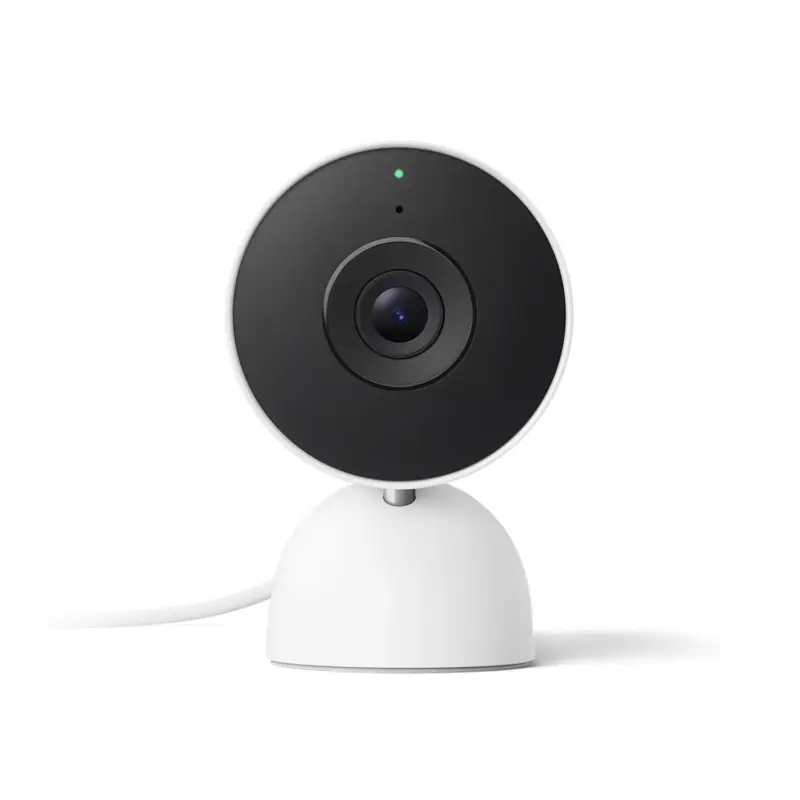
Google is rolling out a Google Home update that makes its smart-home cameras more context-aware. The June 23 release notes say Gemini for Home can now improve Familiar Face detection by using additional signals such as clothing when a person’s face is not visible, while camera event descriptions can include certain sounds heard during the clip.
The change is arriving through Google Home app version 4.20 and Gemini for Home early access features, with some functions tied to the Advanced plan of Google Home Premium. For Nest camera owners, the practical difference is simple: alerts and video history may become less dependent on a clean face shot or a visible on-camera action. A camera can have more context about who might be in frame and what happened just outside the image.
What changed in Familiar Faces
In its June 23 Google Home release notes, Google says it is automatically updating users’ Familiar Face libraries with more recent and accurate examples. The same update also expands recognition for Advanced plan users so the system can use cues like clothing when a subject’s face is not visible.
Google’s Familiar Face detection help page now describes those signals more explicitly, listing body size and clothing color as examples of non-biometric information that can help when a camera cannot see a face. That matters for doorbells, entryway cameras, driveways, and indoor cameras where people are often turned away, partly blocked, or moving quickly across the frame.
The feature is still built around a face library. Users teach Nest cameras to recognize people they know, and the Home app can notify them when a familiar or unfamiliar person appears. But the update shows Google trying to make the library less brittle. Instead of treating every back-of-head view as a missed identification, the system can lean on nearby context that looks consistent with a saved person.
Sounds are becoming part of the camera timeline
The second notable change is audio-aware event descriptions. Google’s Gemini for Home camera documentation says AI descriptions can include supported non-verbal sounds when a camera’s microphone and audio recording are turned on, and when an event is first triggered by motion, a person, an animal, a package, or a vehicle.
The supported sound list includes doorbells, dog barking, footsteps, glass breaking, loud banging or crashing, alarms or sirens, loud thuds or drops, screaming or crying, and gunshots. Google says those details can appear in AI descriptions, AI notifications, Home Brief summaries, and Ask Home video-history search, depending on feature availability and plan level.
That turns camera history into something closer to a searchable incident log. A user might not need to scrub through every clip to find the moment a window broke, an alarm sounded, or footsteps were captured near an entry. If Google’s descriptions work reliably, the camera timeline becomes easier to search by what happened, not just by time of day or broad motion categories.
Why this is useful
Smart-home cameras have often had a gap between detection and explanation. They can say a person, vehicle, animal, or package appeared, but they may not tell the owner enough about the event to decide whether it needs attention. Google’s recent Nest hardware push already leaned into Gemini-powered descriptions, video search, and Home Brief summaries. This update adds another layer by combining visual and audio cues more directly.
For households, the benefits are practical. A camera that recognizes a family member from a partial view may cut down on mystery alerts. Sound descriptions can help when the important part of an event is off camera. Faster camera playback on Android and smoother timeline scrolling on iOS, also listed in the June 23 release notes, make the review experience less frustrating once an alert arrives.
The change also fits Google’s broader smart-home strategy. The company has been turning Nest cameras from simple motion sensors into inputs for Gemini for Home, including video-history search, daily summaries, and natural-language automation triggers. In that model, cameras are not only recording devices. They become context sensors for the rest of the home.
The privacy tradeoff is more visible now
The same features that make alerts more useful also raise the importance of settings, consent, and household expectations. Google’s Familiar Face page warns users to comply with local law and says consent may be required depending on where they live. Familiar Face detection is not available for cameras based in Illinois, where biometric privacy rules have shaped how companies offer face-recognition features.
Google says newer Nest cameras and doorbells set up in the Home app store familiar face data directly in the device’s internal memory, including the additional non-biometric signals used to improve recognition. The cloud is used for cleanup, according to Google, but does not store familiar face data for those newer devices. Earlier Nest models set up in the Nest app store familiar face data in the cloud, where Google says it is encrypted and not accessed by the company. Walmart’s onn cameras, which also work with Google Home, store face biometrics in the cloud rather than locally.
Those distinctions matter because the Google Home ecosystem now includes first-party Nest hardware and lower-cost partner cameras. A household using several camera types may not have one uniform storage model for recognition data. Users who care about where face data is stored should check the camera model, app setup path, subscription plan, and whether the device is a Nest camera or a partner device.
What Nest camera owners should check
Anyone using Familiar Faces should review the face library after the update lands. Google says the library is being refreshed with better recent examples, but users can still rename, merge, delete, or clear face profiles in the Home app or Nest app. If a camera has been mislabeling people or treating objects as faces, the cleanup tools are worth using before relying on the new recognition behavior.
Users should also check microphone and audio-recording settings. Sound descriptions depend on audio being available, and not every household wants microphones active on every camera. For shared homes, rentals, or homes with frequent visitors, it is worth making the camera’s behavior clear to other people who may be recorded.
The update is not a reason to treat AI camera descriptions as perfect records. Google notes that Gemini camera features require users to acknowledge disclosures, and the company’s broader Gemini for Home material tells users to check responses because results may vary. The safer use is as a faster way to find and review clips, not as unquestioned proof of exactly what happened.
For Google, the June 23 update is another step toward a smart home that understands more than device states. For users, it is a useful upgrade with a clearer bargain: better alerts and searchable history in exchange for more camera intelligence, more subscription-dependent features, and a stronger need to know exactly what each device is allowed to see, hear, and remember.