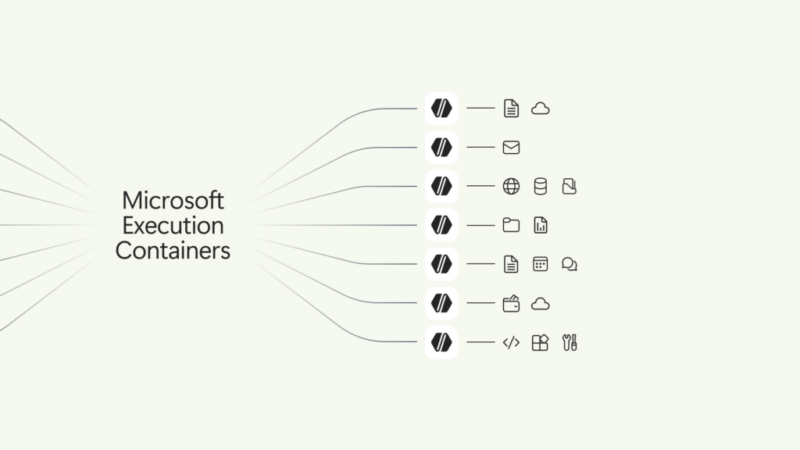
Microsoft made Microsoft Execution Containers generally available on Wednesday, giving Windows 11 developers and administrators an operating-system-enforced way to limit what AI agents can read, change, contact and control. The open-source system, known as MXC, can contain model-generated code, plugins, tools, an agent harness or the entire agent behind one policy.
The release arrives as Microsoft pushes agents deeper into Windows. OpenAI Codex, GitHub Copilot, OpenClaw, Replit, LM Studio and Unsloth AI already support MXC, while Microsoft lists Claude Code, Perplexity, Manus, Raycast and other products as planned integrations. Meta’s Muse for Windows is also due to use MXC when it arrives.
This is more than another permission prompt. MXC lets a host application declare which folders a workload can read or modify, which network connections it can make and whether it can interact with the desktop. Those rules sit outside the agent workload, so the model or code running inside cannot simply grant itself broader access.
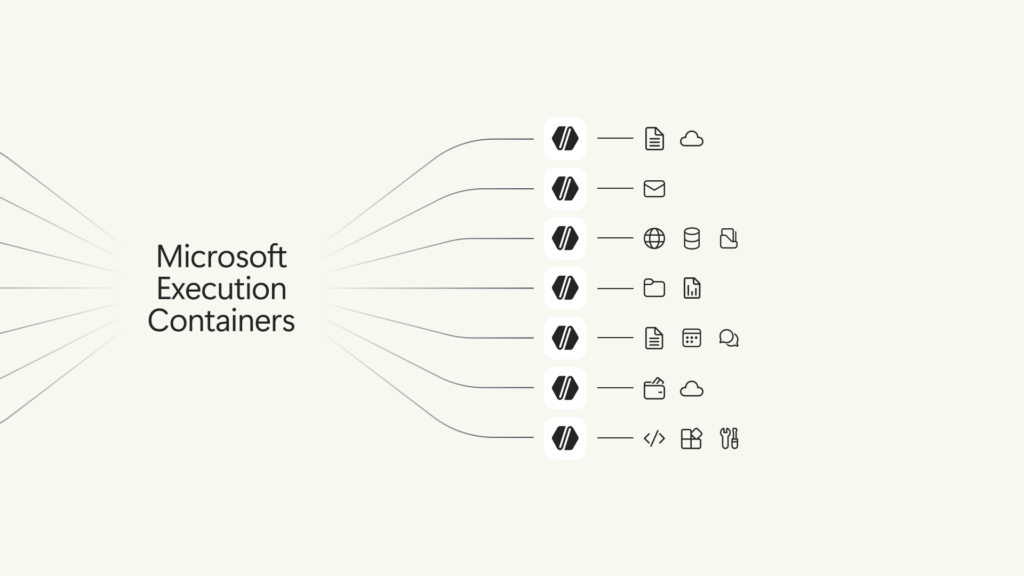
What Microsoft Execution Containers actually control
Microsoft describes MXC as a policy-driven execution layer for untrusted or dynamically generated workloads. A developer supplies a JSON request that identifies the command, working directory, environment and containment rules. MXC validates that request, selects an appropriate backend and starts the workload inside it.
The public MXC repository exposes Rust, .NET and Node SDKs. Its current policy surface covers four areas:
- File system: paths can be read-only, read-write or denied.
- Network: policy can govern inbound and outbound connections, proxy use and access through the host’s loopback interface.
- User interface: desktop, display, clipboard and GUI access can be restricted.
- Process execution: the host defines the command, arguments, environment, working directory and runtime limit.
A coding agent, for example, could receive read-write access to one repository, read-only access to deployment documentation and no access to a user’s Documents folder. Network egress could default to denied, with only the package registry and source host required for the task allowed. If the agent tries to alter production configuration outside that boundary, the operating system blocks the operation even when the model believes it is useful.
Four isolation levels cover different risks
MXC does not treat every workload as if it needs a full virtual machine. Its general-availability documentation describes a spectrum of backends:
- Process container: the lowest-overhead option for generated code and tool execution. It uses AppContainer on Windows, Seatbelt on macOS and Bubblewrap on Linux.
- Session container: a Windows 11 option for long-running agents that need a desktop. It runs under a separate account and isolates the agent’s desktop, clipboard, input and active session from the person using the PC.
- WSL container: a Windows 11 environment for agents that depend on Linux packages and developer tooling.
- MicroVM: an experimental Windows and Linux backend for higher-risk code that benefits from hardware-backed isolation and full Linux compatibility.
The distinction matters. A fast process sandbox may suit a build tool that only touches a checked-out repository. An unattended desktop agent that can click through applications has a much larger interaction surface and is a better match for a separate session. Code obtained from an unknown source may justify the stronger MicroVM boundary, although Microsoft still labels that backend experimental.
MXC also supports Windows Sandbox, LXC, Hyperlight and other platform-specific backends. Not all controls have identical strength on every backend, so the shared policy format should not be mistaken for identical security guarantees.
Learning mode is safer than opening everything
Least-privilege policies are difficult to write before a team knows every file, tool and service an agent will touch. Microsoft addresses that problem with three operating modes on Windows.
- Enforcement blocks access outside the production policy.
- Learning blocks ungranted operations and records them in a JSON activity report.
- Permissive records operations that policy would deny but allows them to continue.
Learning mode is the useful default for a controlled pilot because a failure remains contained while developers collect evidence about the missing permission. Permissive mode can reveal a workload’s normal behavior without interrupting it, but it is not a security boundary for untrusted code. The repository’s separate audit option disables sandbox security and carries the same warning: it should never be used to run an untrusted workload.
What is available now, and what is still coming
MXC itself is generally available, as is support for running it with Windows 365 Cloud PCs. The SDK, schema, documentation and samples are public today. Windows 11 is the main target for Microsoft’s deepest integrations, although the framework also supplies process-level backends for Linux and macOS.
Two important enterprise pieces remain future features. Microsoft plans to let Entra distinguish an agent’s activity from the signed-in user’s activity, allowing security teams to investigate or restrict the agent without disabling the employee. Intune management policy for MXC process containers is also coming later; it is meant to let administrators constrain container-creation requests and resource boundaries across managed Windows 11 devices. Microsoft has not provided rollout dates for either capability.
That timing leaves a gap for organizations evaluating MXC now. They can enforce local container policy, but the promised agent-specific identity and fleet-wide management layer is not yet fully available. The company also says integration with Microsoft Agent 365 will extend monitoring and governance to on-device agents, but that integration should be evaluated when its actual controls ship.
MXC reduces impact, not the need to secure agents
A container does not make the model trustworthy. Prompt injection can still persuade an agent to misuse every permission it legitimately holds. If policy allows access to a source repository and a public upload service, an attacker may still have a path to exfiltrate code. If a brokered tool carries powerful credentials, file-system isolation alone will not narrow what that tool can do.
Teams should therefore treat MXC as one layer in an agent-security design. Its job is to limit blast radius independently of the model. Authentication, scoped credentials, tool-level authorization, secret handling, output review and audit logging remain separate controls.
Policy quality is another risk. Broad read-write paths or unrestricted egress can turn a technically sandboxed agent into one with most of the user’s practical authority. A production review should test allowed behavior and deliberate escape attempts, including symlink and junction handling, loopback services, child processes, clipboard access, network redirects and attempts to reach credentials outside the workspace.
A practical MXC pilot checklist
- Start with one bounded workflow. Choose a repository or automation task with a clear file and network footprint.
- Inventory every required resource. Separate read-only inputs from paths the agent must change, and list required network destinations explicitly.
- Default network egress to deny. Add only the source hosts, registries and APIs the task needs.
- Use Learning mode first. Investigate blocked operations before widening policy; do not treat every denial as proof that access should be granted.
- Choose the backend by consequence. Process containment favors responsiveness, while session isolation or a MicroVM may better fit desktop automation and hostile code.
- Keep secrets outside the workspace. Prefer short-lived, narrowly scoped credentials delivered through a broker rather than persistent tokens readable by the agent.
- Test failure behavior. The application should explain a blocked action and request deliberate approval instead of silently retrying through another route.
- Recheck policy after tool changes. New plugins, MCP servers, build scripts or model capabilities can change the workload’s effective access.
Why Microsoft is shipping MXC now
The containment release is part of a broader Windows push toward local and hybrid AI. Microsoft also opened preorders for the $2,599 Surface Laptop Ultra and a $5,999 RTX Spark Dev Box, both built around Nvidia’s RTX Spark platform. The company says configurations with up to 128GB of unified memory can run models exceeding 120 billion parameters locally.
Windows will also route some GitHub Copilot work to local models through an experimental HydraFusion preview later in October. Copilot is expected to gain local context, local actions and local-model support on Copilot+ PCs over the coming months. Those features increase the value of a boundary that can separate an agent’s authority from the person at the keyboard.
The strongest part of today’s announcement is not Microsoft’s claim that Windows can become a home for agents. It is that the containment code, SDKs and policy model are available for inspection and testing now. The unanswered questions are operational: how consistently third-party agents adopt the controls, how well organizations author least-privilege policies, and whether the coming identity and management layers give defenders enough evidence when an agent crosses a line.
Sources: Microsoft’s Windows announcement, MXC technical overview, the MXC open-source repository, and Reuters reporting.