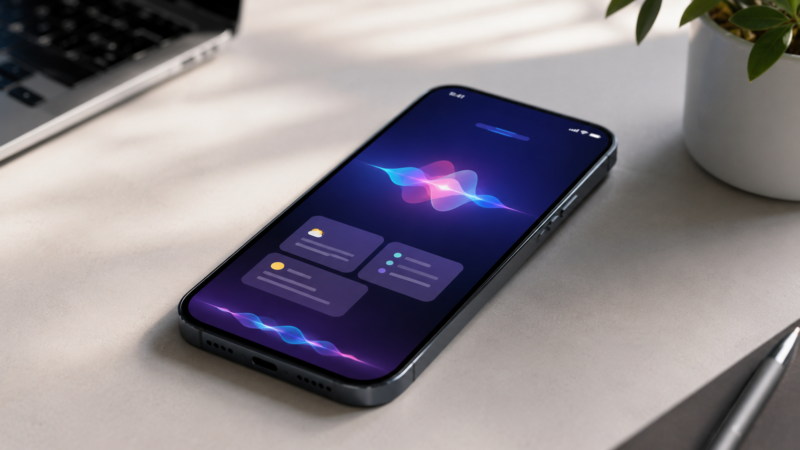
Apple used WWDC 2026 to introduce Siri AI, a rebuilt assistant for iOS 27 and the rest of its software platform. The new Siri is meant to understand what is on screen, draw on personal context from apps such as Messages, Mail, Photos, and Notes, answer web-backed questions, and take actions across apps through Apple’s intent system.
The rollout is narrower than the headline suggests. Siri AI is available for developer testing across iOS 27, iPadOS 27, macOS 27, and visionOS 27, with watchOS 27 testing coming later. Apple says regular users will get it as a beta later this year on supported devices and languages, but older iPhones that can install iOS 27 will not necessarily get the full assistant upgrade. Region rules also matter, with different availability in the EU and China.
The right way to read the announcement is as a serious Siri reset, not a finished verdict. Apple has finally described a more capable assistant architecture. Users will judge it by whether it reliably handles small daily tasks: finding the right message, understanding the current screen, pulling a detail from an email, preparing an action in another app, and asking for confirmation before changing something important.
What Actually Changes
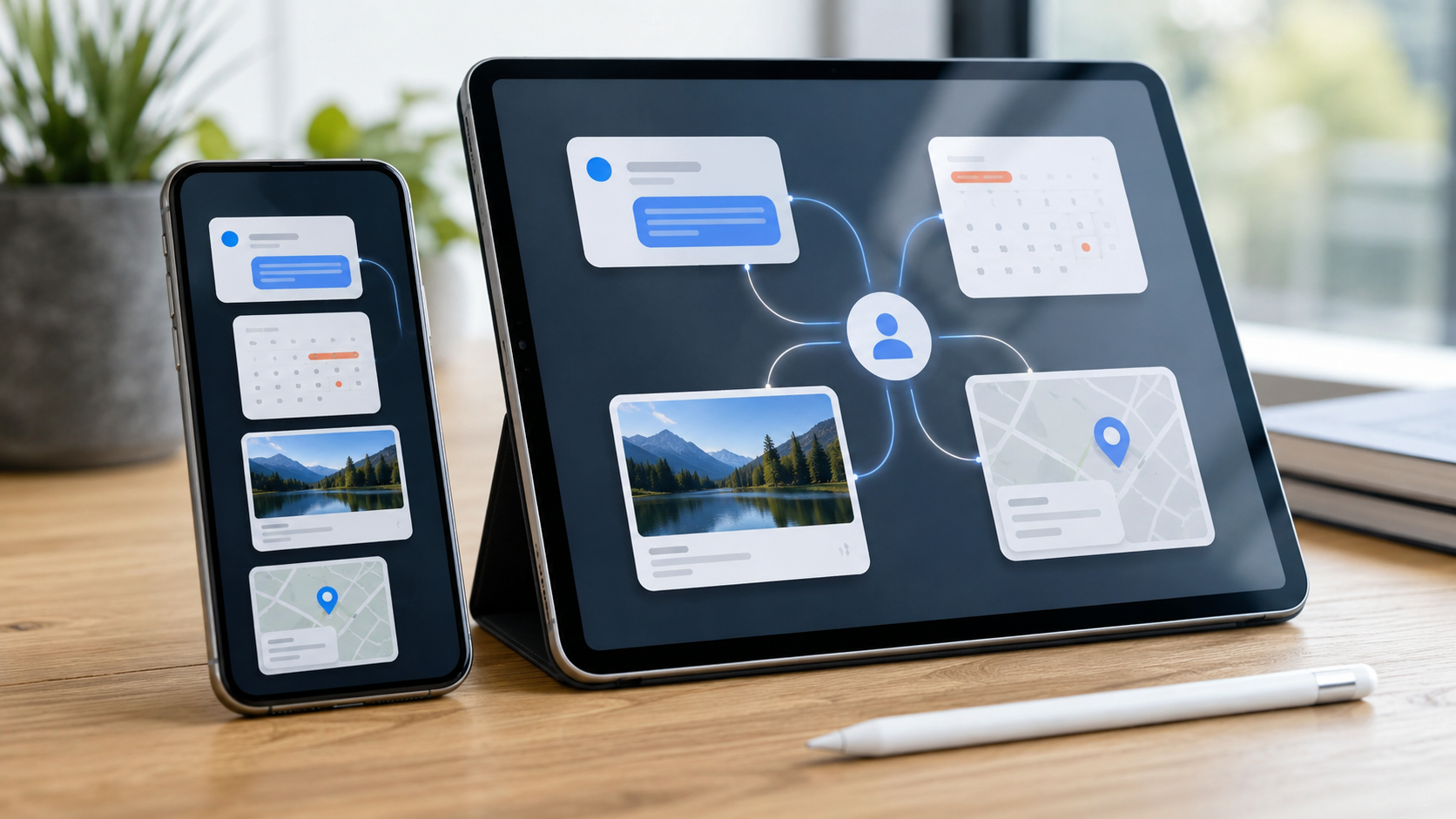
The old Siri was strongest at narrow commands: set a timer, call someone, play music, check the weather. Siri AI is aimed at tasks that require context. Apple says it can answer questions about content on the current screen, search across personal information, use broader world knowledge when needed, and get things done across apps.
That changes the kinds of prompts Apple wants Siri to handle. A user could ask for the restaurant a friend mentioned in a message, find a confirmation code from email, pull up photos from a trip, summarize what is on screen, or start an action in another app without manually copying details across interfaces. Everyday phone work rarely lives in one app. It moves through conversations, calendars, photos, files, web pages, receipts, and maps.
Apple is also adding a dedicated Siri app. That gives longer assistant sessions a visible home, with conversation history that privately syncs through iCloud across a user’s Apple devices. Siri can still be invoked by voice or the side button, but the app makes the assistant less like a disappearing overlay and more like a workspace users can revisit.
Visual Intelligence Moves Into The Assistant
Visual Intelligence is becoming part of Siri rather than a separate trick. On iPhone, Apple is adding a Siri mode inside the Camera app so users can point the camera at something, tap the shutter, and ask questions or trigger actions based on what is visible.
Apple’s examples include asking about food, splitting a bill with Apple Cash, and following up on objects in front of the camera. The same idea extends across devices. iPad can use screenshots and Apple Pencil selections. Mac can let users select part of the display with a keyboard shortcut. Vision Pro can use what the user is looking at in digital or physical space.
This is where the assistant has the clearest upside. A voice assistant becomes much more useful when the user does not have to describe every page, receipt, product, image, or message manually. The risk is reliability. If Siri only understands context in polished demos, users will go back to moving information by hand.
Developers Decide How Far Siri Reaches
Siri AI depends heavily on App Intents, Spotlight integration, and developer-exposed app content and actions. Apple can make Siri smarter inside its own apps, but the assistant becomes more useful when third-party apps expose searchable data and safe actions.
That is the difference between an impressive keynote feature and a daily workflow. If developers expose real actions, Siri could search app content, draft messages, update records, create reminders, edit photos, move information between apps, or prepare a transaction with fewer taps. If support is thin, Siri AI may feel strong in Apple apps and ordinary elsewhere.
The integration also raises control questions. An assistant that can act across apps needs clear confirmation points. Users should know when Siri is only answering, when it is preparing an action, when it is reading personal context, and when it is about to change something in another app.
Device Support Has Layers
Apple says Apple Intelligence and Siri AI support includes iPhone 16 models or later, iPhone 15 Pro and Pro Max, iPad mini with A17 Pro, iPads with M1 or later, MacBook Neo with A18 Pro, Macs with M1 or later, Apple Vision Pro, and newer Apple Watch models when paired with an Apple Intelligence-capable iPhone nearby.
That leaves many still-useful iPhones outside the headline assistant upgrade even if they receive iOS 27. Those devices may get design changes, app updates, security improvements, and performance work, but not the most advanced Siri AI features.
There is also a second tier among supported devices. Apple says some advanced capabilities require its most capable on-device model, limited to newer hardware such as iPhone 17 Pro models, iPhone Air, certain M4 iPads with at least 12 GB of unified memory, certain M3 Macs with at least 12 GB of unified memory, and Apple Vision Pro with M5. Two devices may both support Apple Intelligence while only the newer one handles the most demanding behavior locally.
Privacy Is Central, But Not Simple
Apple is framing Siri AI around a mix of on-device processing and Private Cloud Compute for requests that need larger server models. The company says PCC does not store users’ personal data or make it accessible to Apple, and that outside researchers can inspect the privacy architecture.
That privacy pitch matters because the assistant is useful only if it can reach sensitive context: messages, emails, photos, locations, files, app data, and actions. The more Siri can do, the more important permission boundaries, confirmation prompts, logs, and user controls become.
Apple is also treating some Apple Intelligence work as a managed cloud resource. It says certain features, including image generation, will have daily usage limits because they rely on powerful server models, with increased access tied to most iCloud+ subscription plans. That makes Apple Intelligence both a device feature and a cloud service, even when the company emphasizes privacy.
Availability Will Vary By Region
Siri AI will not arrive the same way everywhere. Apple says it will not initially be available in the European Union on iOS, iPadOS, or watchOS because of Digital Markets Act issues. Mac and Apple Vision Pro users in the EU will be able to access Siri AI when their devices are set to a supported language.
China is also excluded from the initial rollout while Apple works through regulatory requirements. For international users, that means the same hardware may deliver a different Siri experience depending on location, language, and device category.
The EU delay affects developers too. Apple says developers located in the EU will not be able to test or use the new Siri AI features for their apps on iOS 27, iPadOS 27, and watchOS 27 while the delay remains in place. That could slow third-party integration in a region where consumer access is already limited.
Why The Beta Label Matters
Apple is calling the consumer rollout a beta because Siri carries unusual expectations. Users have spent years learning that Siri can handle simple commands but often struggles with more complex requests. Siri AI raises the ceiling, but it also raises the chance of disappointment if ordinary tasks fail.
The decisive tests will be mundane. Can it find the right message without hallucinating? Can it understand a screenshot? Can it pull a date from an email and prepare a calendar entry? Can it distinguish between drafting and sending? Can it explain when a request has to use the cloud? Can it recover when an app intent is missing?
Bottom Line
Siri AI is Apple’s clearest attempt to answer what an operating-system assistant should look like in the current AI cycle. Instead of sending users to a separate chatbot, Apple is putting personal context, screen awareness, app actions, Visual Intelligence, a dedicated assistant app, and Private Cloud Compute into the system.
Distribution gives Apple an advantage, but distribution is not enough. Siri is already everywhere; the problem has been trust. The iOS 27 version will matter if it becomes dependable in small daily moments and careful when it touches private data or takes action. Until the beta reaches regular users, the strongest conclusion is measured: this is Apple’s most serious Siri reset in years, but reliability, developer support, hardware tiers, and regional availability will decide whether it changes how people use their devices.