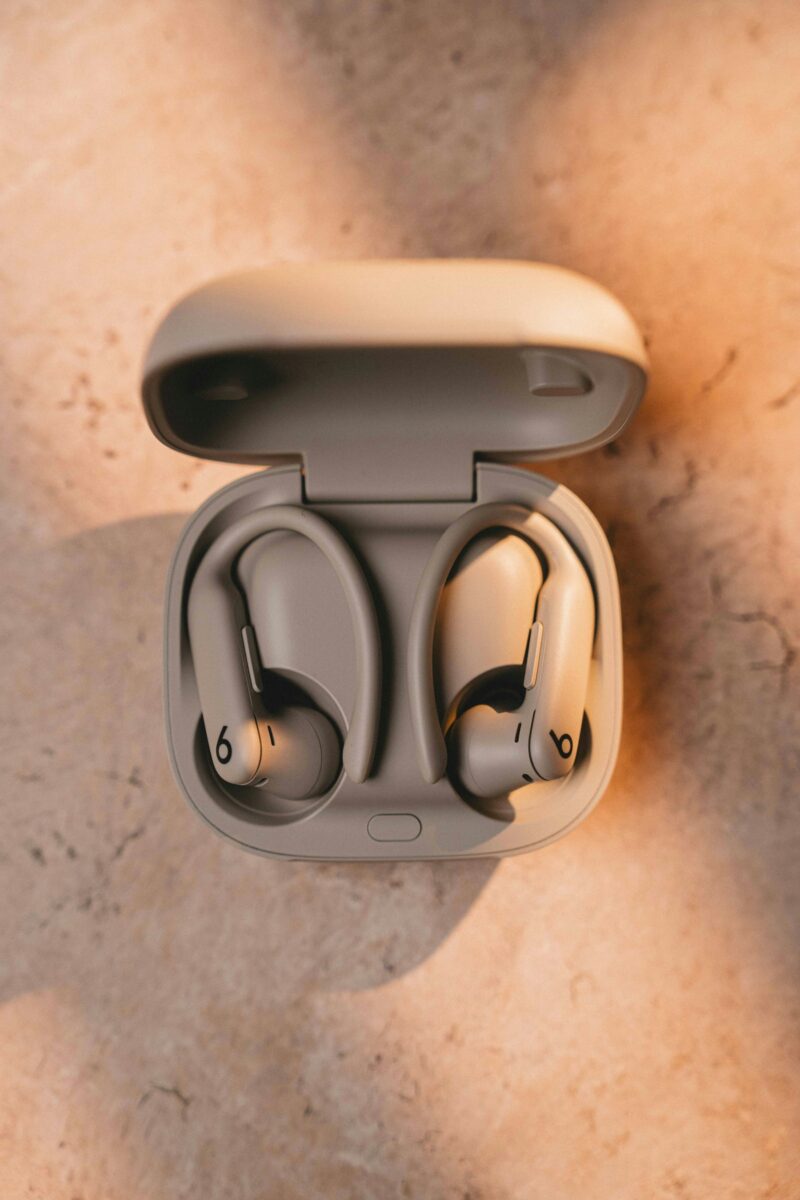
Apple has released a Beats Studio Buds firmware update for a Bluetooth vulnerability that could let a nearby attacker listen through the earbuds’ microphone under specific pre-pairing conditions.
The fix is Beats Firmware Update 1B211, released June 16, 2026. Apple’s advisory says the issue affected Beats Studio Buds when a device was not yet paired and was actively seeking pairing requests. In that state, an attacker within Bluetooth range could potentially listen through the microphone.
The vulnerability is tracked as CVE-2025-20701. It is not a normal internet attack and does not mean someone can listen from anywhere. The attacker would need to be close enough for Bluetooth, and the vulnerable earbuds would need to be in a pairing-seeking state. That still matters because earbuds and headphones are often treated as low-risk accessories even though they contain microphones, radios, firmware, and pairing logic.
What Apple Fixed
Apple attributes the bug to open source code used by affected software projects, and the CVE record describes the underlying issue as an authorization flaw in the Airoha Bluetooth audio SDK. The problem could allow a Bluetooth audio device to pair without user consent, leading to remote privilege escalation with no additional privileges or user interaction required.
Airoha, a MediaTek-owned Bluetooth audio chipmaker, has published a product security bulletin crediting ERNW researchers Dennis Heinze and Frieder Steinmetz for reporting CVE-2025-20700, CVE-2025-20701, and CVE-2025-20702. The Beats Studio Buds update is Apple’s device-specific patch for the CVE-2025-20701 pairing issue.
The distinction is important for owners: this is not a new Beats feature update, and it is not limited to theoretical security research. It is a firmware patch for the small but real attack surface created when wireless audio devices enter pairing mode and trust nearby Bluetooth traffic too readily.
How to Check Beats Studio Buds Firmware
Beats firmware updates normally install automatically, but it is worth checking because the patch depends on the earbuds actually receiving the new firmware.
- On iPhone or iPad: pair the Beats Studio Buds, keep them near the device, place them in the charging case, and make sure the case has power. Then open Settings, tap Bluetooth, tap the information button next to the Beats Studio Buds, and check the firmware version.
- On Mac: pair the earbuds, keep them near the Mac, and check their Bluetooth device details after the update has had time to install.
- On Android: use the Beats app with the earbuds paired and powered. Android users should be especially deliberate because they may not see Apple-style firmware information in system settings.
The target version for this fix is 1B211. If the earbuds still show an older firmware version, leave them near a paired phone or tablet with a network connection and sufficient battery, then check again later. Apple does not provide a manual “install now” button for Beats firmware in the same way that operating-system updates appear on iPhone or Mac.
Who Should Care Most
For most people, this is a patch-and-move-on issue. There is no public indication from Apple that the Beats Studio Buds flaw has been exploited in the wild, and the attack requires short-range access. The risk is higher in crowded environments where someone might deliberately target devices entering pairing mode, such as airports, offices, campuses, hotels, gyms, conferences, or shared workspaces.
People who use earbuds for work calls, private conversations, healthcare discussions, legal conversations, or travel should treat firmware updates as part of basic device hygiene. The same goes for companies that allow unmanaged Bluetooth audio devices on work phones or laptops. A microphone-bearing accessory can become part of the security boundary even when it is not managed like a phone or computer.
The Bigger Bluetooth Lesson
The Beats update is also a reminder that wireless accessories inherit risk from the chips and SDKs inside them. A headphone or earbud brand may own the product experience, but Bluetooth behavior can depend on third-party silicon, firmware stacks, and vendor patch delivery.
That makes update visibility a practical problem. Phones and laptops usually show security updates clearly. Earbuds often update quietly, sometimes only when they are near a paired device, charging, and connected through the right app or operating system. Users may never know whether the firmware changed unless they check.
The safe habit is simple: avoid leaving earbuds in pairing mode longer than necessary, remove old pairings you no longer use, keep the companion app installed when it is needed for updates, and check firmware versions after security advisories. Bluetooth convenience depends on fast pairing, but fast pairing still needs real authorization.