
Microsoft’s Build 2026 Windows announcements made the AI PC pitch more concrete than the first wave of Copilot-branded laptops. The company is trying to turn Windows into a local and hybrid AI runtime, with Windows AI APIs, Foundry Local, Windows ML, agent controls, stronger WSL tooling, and hardware aimed at running useful models close to a user’s files and permissions.
The Surface RTX Spark Dev Box is the high-end signal in that strategy. Microsoft describes it as a Windows AI developer machine with an NVIDIA RTX Spark superchip, up to one petaflop of AI compute, 128 GB of unified memory, a 100W thermal envelope, and local support for large model inference, fine-tuning, and agentic pipelines. That is a different category from a thin laptop with an NPU badge.
The buyer question is still practical: will local AI make daily work better? The next AI PC cycle has to prove itself in recognizable workflows such as file search, transcription, accessibility, creative previews, coding assistance, document handling, security scanning, and app automation that can use device context without feeling risky or slow.

What Build Added To Windows AI
The first AI PC wave was easy to dismiss because hardware marketing arrived before the everyday software did. Build 2026 gave developers a more complete stack: Windows AI APIs for app-level integration, Foundry Local for running open models on device, Windows ML for custom inference, and management controls for agents that can use local context.
Foundry Local is the key piece for app makers because it reduces the burden of model management. Developers should not have to build a custom downloader, runtime, driver path, and model-selection layer for every Windows AI feature. A shared local-model layer makes it more realistic for ordinary apps to add inference without becoming infrastructure projects.
The developer tooling is just as important. Much AI development remains Linux-first, so better WSL2 support, GPU passthrough, CUDA availability, containers, Visual Studio Code, GitHub Copilot, and preconfigured environments are part of making Windows credible for building AI features, not just consuming them.
Local AI Is A Routing Choice
Local AI is not a cloud replacement. The largest reasoning models, deep research tasks, heavy multimodal jobs, and enterprise data pipelines will still use remote infrastructure. The stronger case for local AI is smaller, repeated, context-heavy work where latency, privacy, cost, or offline availability matters.
- Latency: short edits, classification, search, transcription, image previews, and accessibility features can feel immediate when they avoid a network round trip.
- Privacy: files, screenshots, audio, messages, and app state may be processed locally when the task does not need a frontier model.
- Cost: routine lightweight inference can avoid metered cloud calls when a local model is good enough.
- Offline use: some features can keep working when connectivity is weak or cloud capacity is constrained.
- System context: the PC already knows which files, apps, devices, and permissions are available.
The best apps will route intelligently. A small local model may be perfect for finding a file, summarizing a note, cleaning audio, or labeling a photo. A legal memo, large code migration, or complex planning task may need cloud models. Users should not have to think about that split unless sensitive data is leaving the device or a paid cloud feature is being used.
RTX Spark Sets A Developer Baseline
Most consumer AI PCs still center on NPUs, which are efficient for battery-friendly tasks such as background effects, audio cleanup, light inference, and always-available assistant features. RTX Spark points to a heavier tier built around GPU acceleration, memory capacity, thermal headroom, and sustained workloads.
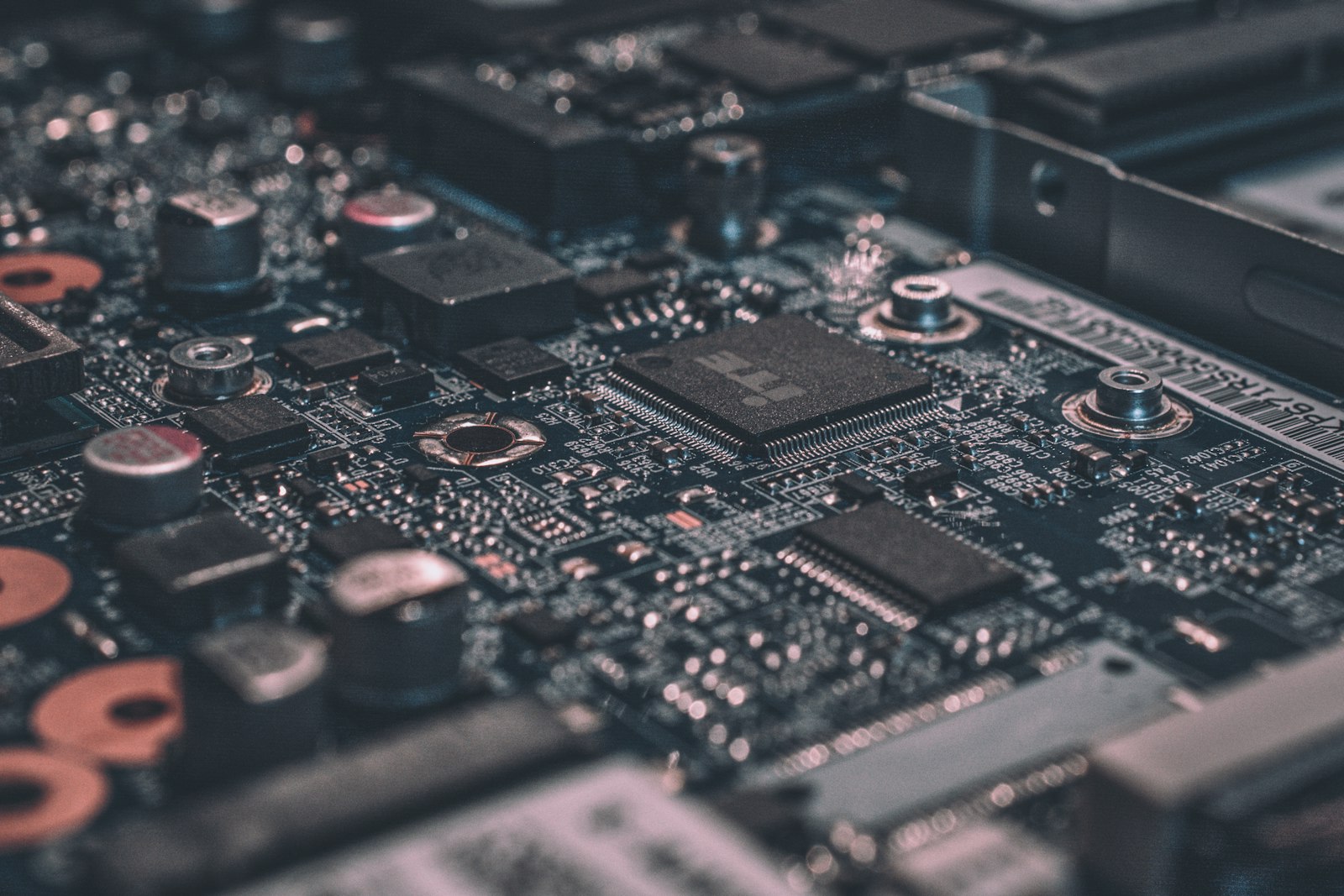
Microsoft says the Surface RTX Spark Dev Box can run 120B-plus parameter models with a 1 million token context locally at interactive speeds or fine-tune models that previously required cloud GPU instances. That claim matters mainly for developers, researchers, and teams testing private AI workflows before sending jobs to cloud infrastructure.
It does not make every AI PC equivalent. A machine that can run one impressive demo is not the same as a laptop that can run repeated inference throughout a workday without draining the battery or throttling under heat. Buyers should watch RAM, video memory or unified memory, storage speed, thermal limits, driver support, model compatibility, and whether the apps they use are optimized for the hardware inside the system.
The Real Upgrade Test Is App Support
For most people, the case for replacing a laptop is weak until the software becomes specific. A useful AI PC should improve something visible: local file search, photo organization, live captions, meeting notes, microphone cleanup, code assistance, document drafting, accessibility controls, security scanning, or actions inside work apps.
A strong NPU or GPU can still feel irrelevant if the user’s apps ignore it. The more useful question is whether Microsoft, Adobe, Zoom, Slack, GitHub, browser makers, security vendors, creative tools, and line-of-business apps actually route work to local hardware in a way users notice.
Memory may become the spec that ages these machines fastest. Local AI workloads want RAM or unified memory at the same time as browsers, IDEs, creative apps, containers, and background services. A low-memory AI PC may technically meet a platform label while feeling cramped once app developers assume richer local context and larger models.
Local Agents Need Boundaries
Local AI becomes more useful as it sees more of the device: files, screenshots, app windows, calendars, commands, messages, and settings. That same access makes permissions, containment, audit trails, and user control central to the platform.
Microsoft’s agent-management work matters because a local agent that can inspect files, run commands, or move information between apps needs clear scopes and review points. Users should know what it can access, what it changed, what it stored, and how to stop it. Businesses need policy controls for which agents can run, which resources they can reach, and which actions require approval.
Windows has an advantage because the operating system already manages identity, files, devices, enterprise policy, and app permissions. It also has the familiar Windows burden: if prompts and permission dialogs become noisy or confusing, people will treat local AI as system clutter rather than a reason to upgrade.
Bottom Line
The 2026 Windows AI PC story is stronger because it is finally about a stack: local models, developer APIs, Windows ML, Foundry Local, GPU and NPU hardware, containers, security controls, and cloud fallback. RTX Spark gives the high end a clearer shape, while Foundry Local gives developers a path to make on-device AI less fragile.
That still does not make every AI PC an automatic buy. The machines worth watching are the ones where local AI disappears into useful work: fast when latency matters, private when sensitive context should stay on the machine, powerful when the workload justifies it, and explicit when a cloud model is the better tool.